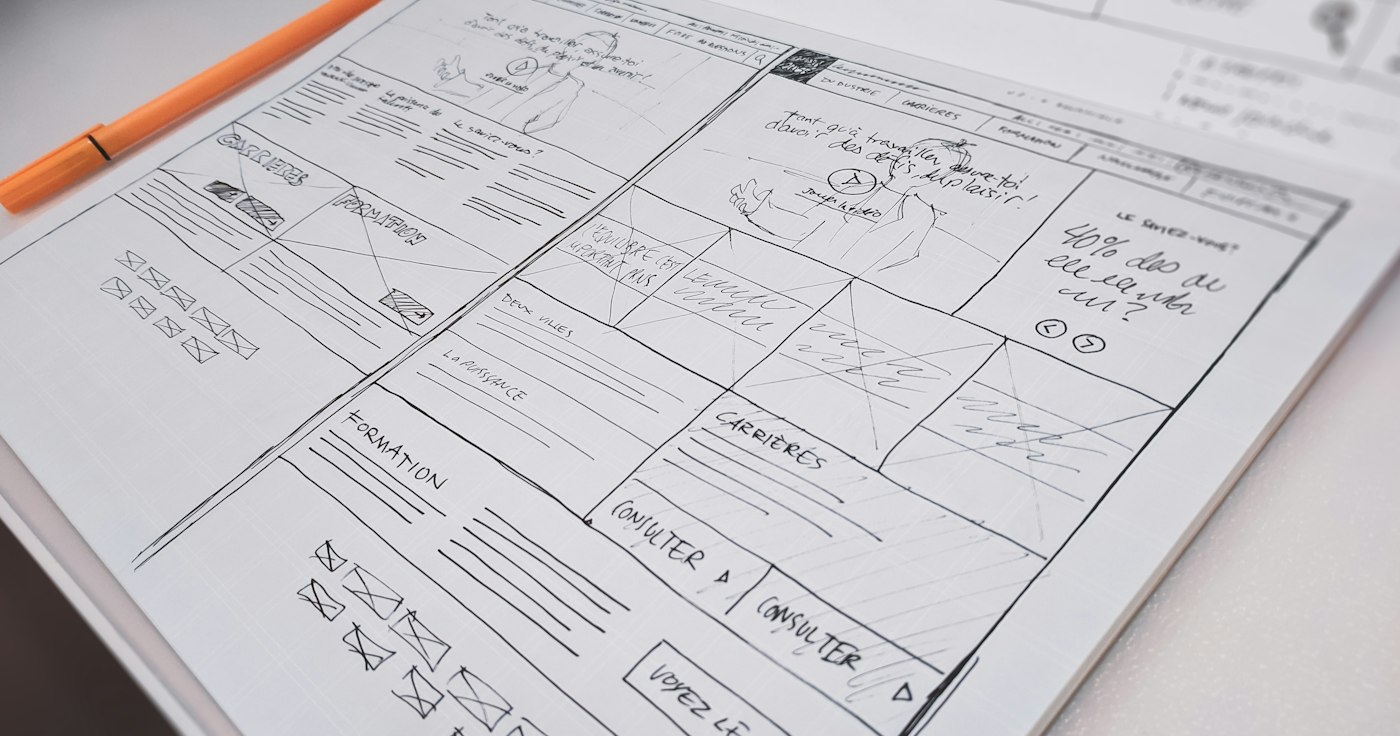
Web accessibility means anyone can use your site, whether they rely on a screen reader, only a keyboard, have low vision, or are simply squinting at a phone in bright sunlight.
Contrast and colour
Make sure text clearly differs from its background. Light grey on white looks elegant but is hard to read. And never rely on colour alone to convey meaning; add an icon or text next to the red error colour.
Page structure
- Use semantic HTML:
header,nav,main,button. - Keep headings in a logical order without skipping levels.
- Make buttons real buttons, not a clickable
div.
Forms
- Tie every field to an explicit
label; placeholder text is not enough. - Show the error message next to the field in understandable words.
- Never wipe what the user typed when an error occurs.
Keyboard
Try your site using only the Tab key. Can you see where the focus is? Can you reach every link and button? Do not hide the focus outline without a clear replacement.
Images
Write alt text that describes the image's purpose. For purely decorative images leave alt empty.
A site that is easy for everyone to use is also easier to buy from.