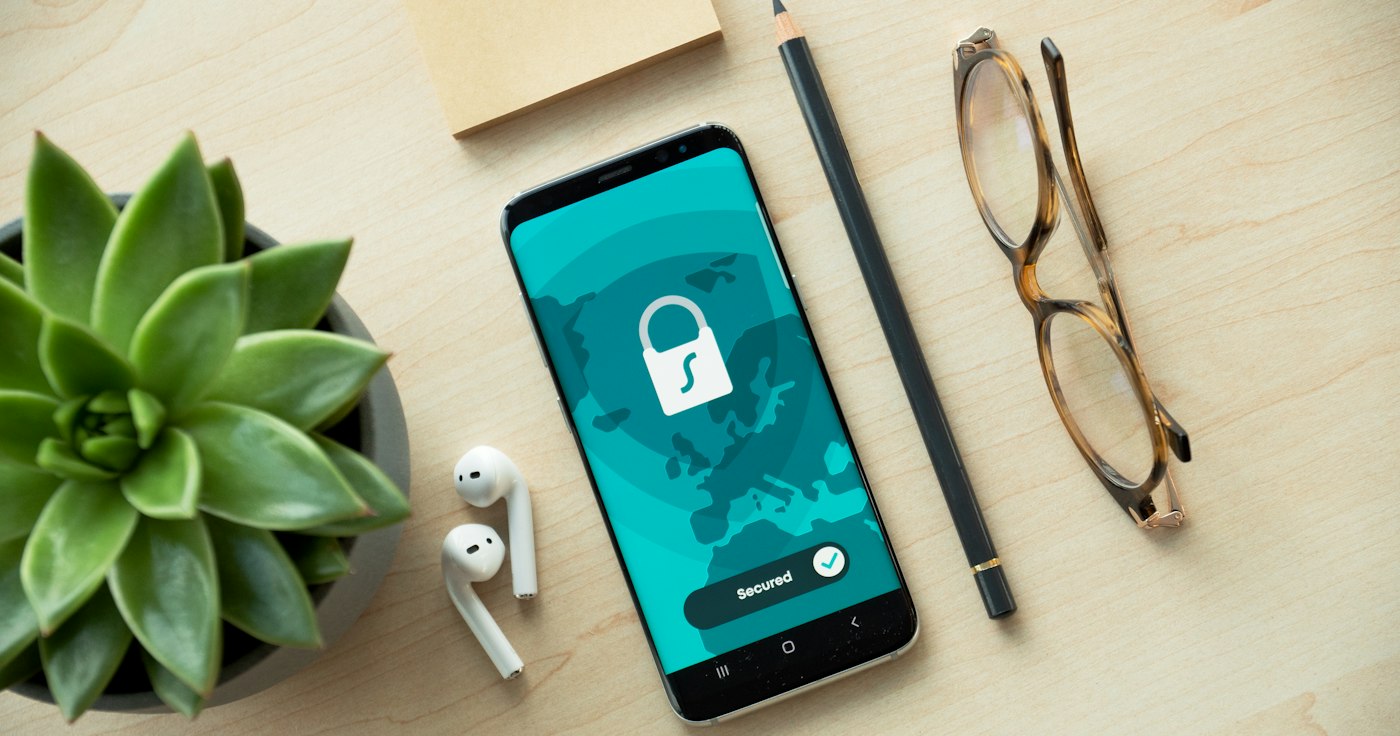
Passwords are the weakest link in most websites' security: people reuse them, they leak in company breaches, and scammers trick users into typing them on fake pages. Passkeys were designed to solve that problem at the root.
What is a passkey?
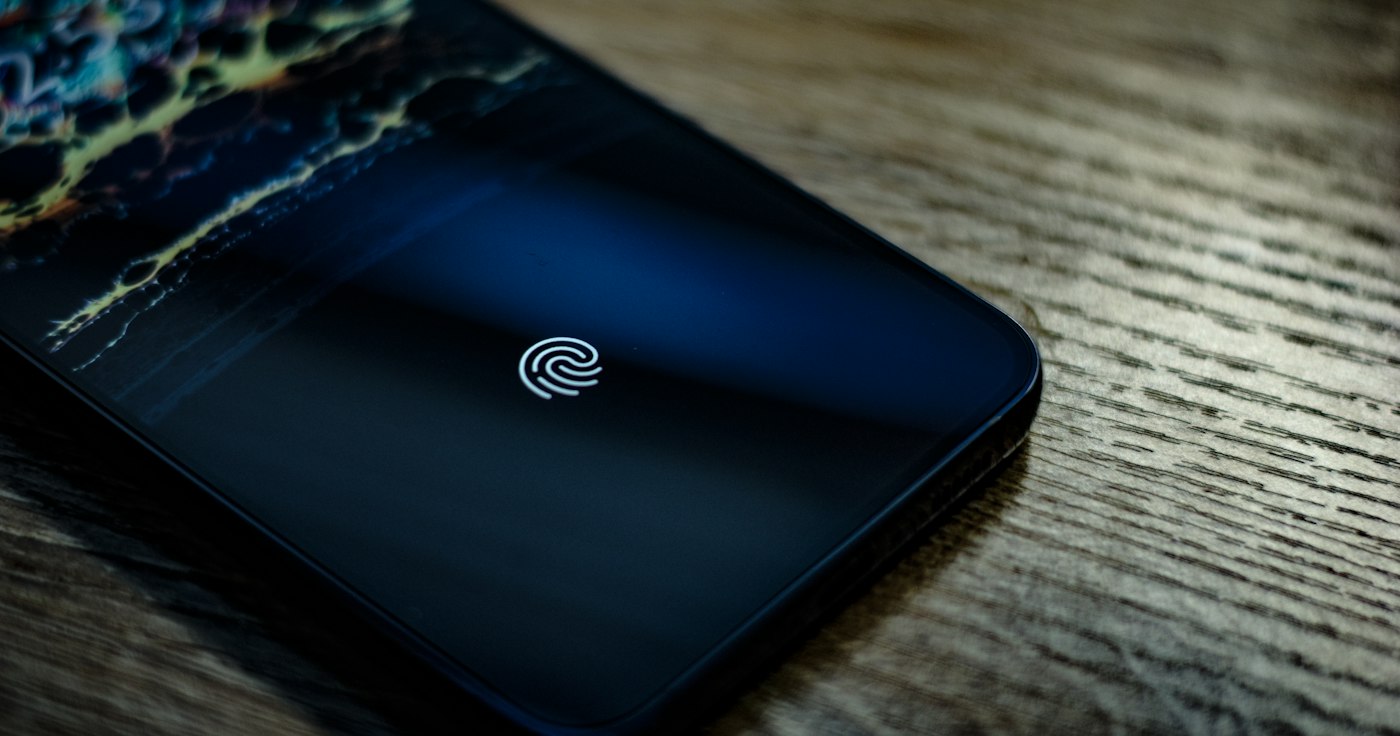
It is a password replacement built on the WebAuthn/FIDO2 standard and public-key cryptography. When you create a passkey for an account, a key pair is generated: a private key that stays on your device and never leaves it, and a public key stored by the website. At sign-in the site asks your device to sign a challenge with the private key, and you confirm with a fingerprint, face or device PIN.
Why is it safer?
- No shared secret to leak from the site's servers; the site only holds the public key.
- Phishing-resistant: the key is bound to the real site's domain, so it will not work on a lookalike page.
- Nothing to remember or type, so no guessing, no reuse, and no keylogger theft.
Passkeys sync across your devices through the platform's credential manager (such as Apple's keychain or Google Password Manager), so you can register on one device and sign in from another.
How to add them to your site
- Do not write the cryptography yourself. Use a well-maintained WebAuthn library for PHP or your language.
- Offer them next to passwords at first instead of forcing everyone at once.
- Provide account recovery (a verified email or extra keys) for people who lose a device.
- Require HTTPS, since the standard does not work without it.
- Log and monitor events: failed attempts and newly registered devices.
Advice for users
Turn on passkeys for your important accounts (email, banking, ad accounts) today where available, and enable two-step verification where they are not.
The best password is the one you never have to remember and nobody can steal.
In my projects I recommend adding passkeys first as a sign-in option for sensitive dashboards, then expanding gradually.